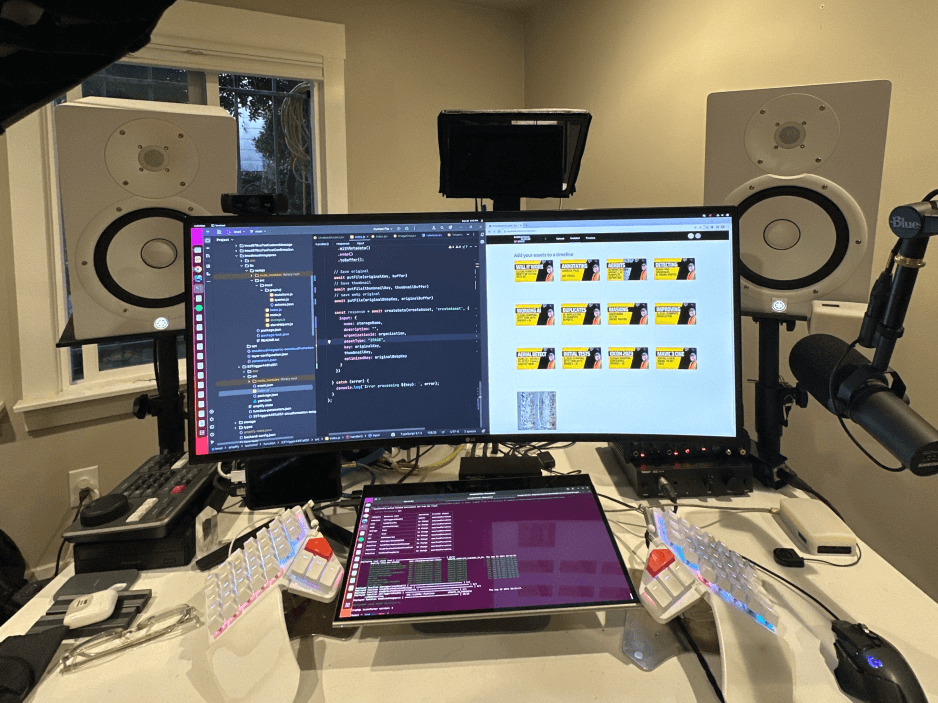
My personal toolkit of hardware, software, and more.
I'm a big fan of tools that help me get things done. Here are some of the tools I use on a daily basis.
Frameworks
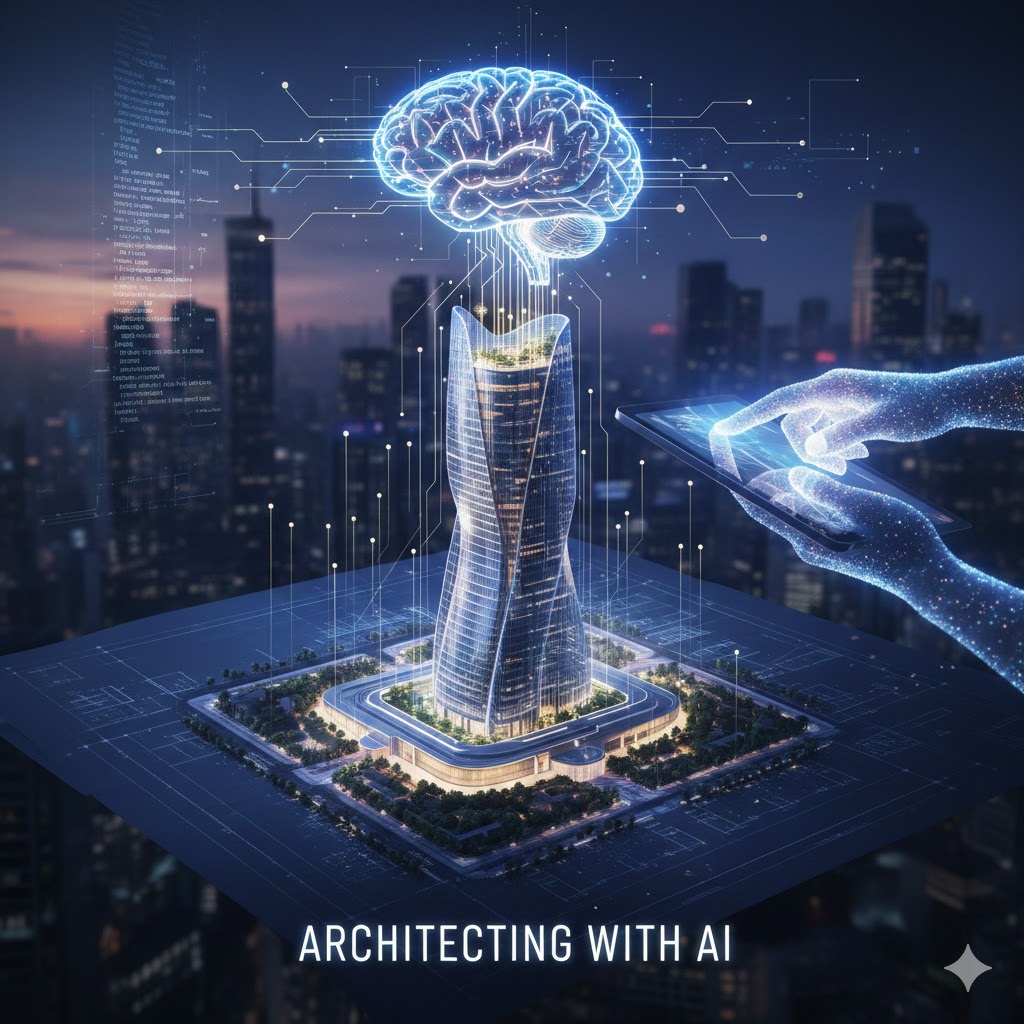
Architecting with AI
I design and build AI-powered systems from the ground up, focusing on scalable architectures that integrate large language models, computer vision, and multimodal AI into production applications.
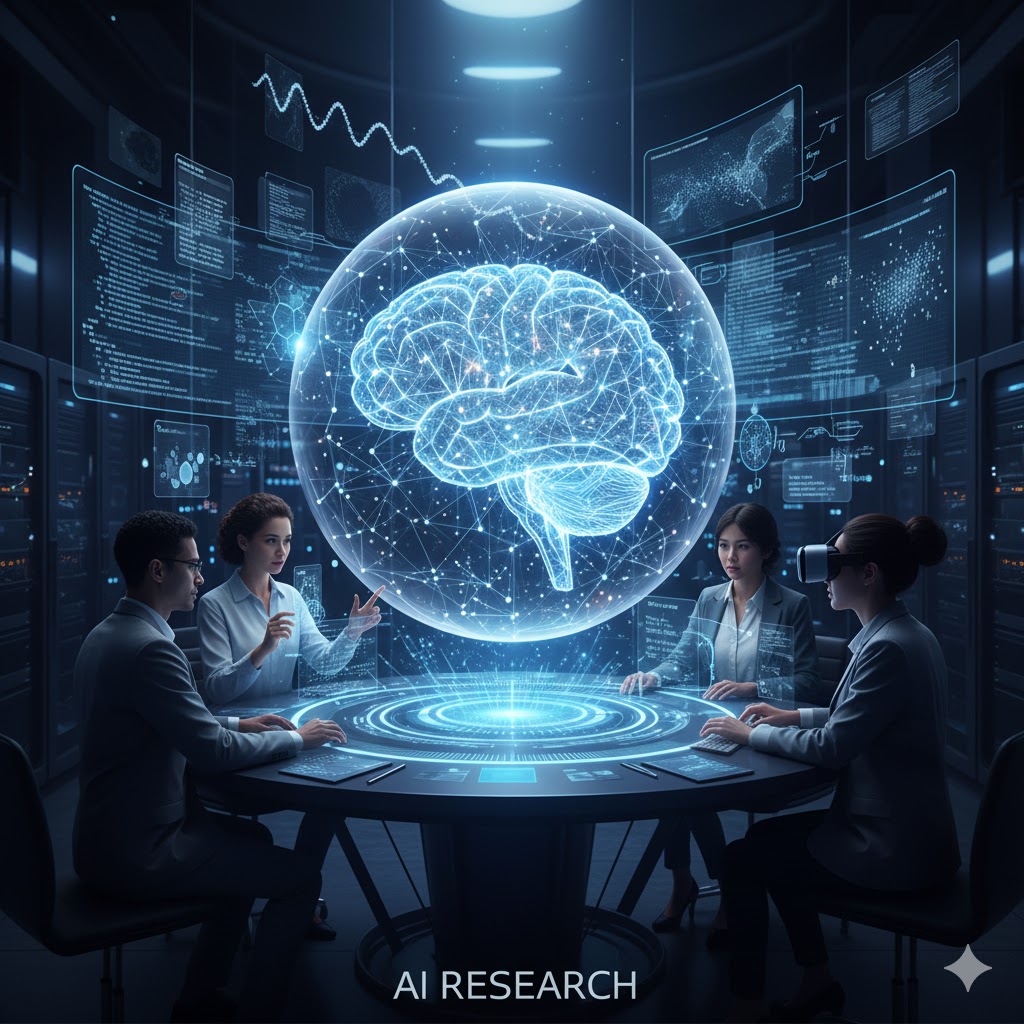
AI Research with Python, audio, video, and images
I conduct applied AI research working with multimodal data—processing audio, video, and images using Python. This includes building pipelines for training, inference, and evaluation of AI models across different modalities.
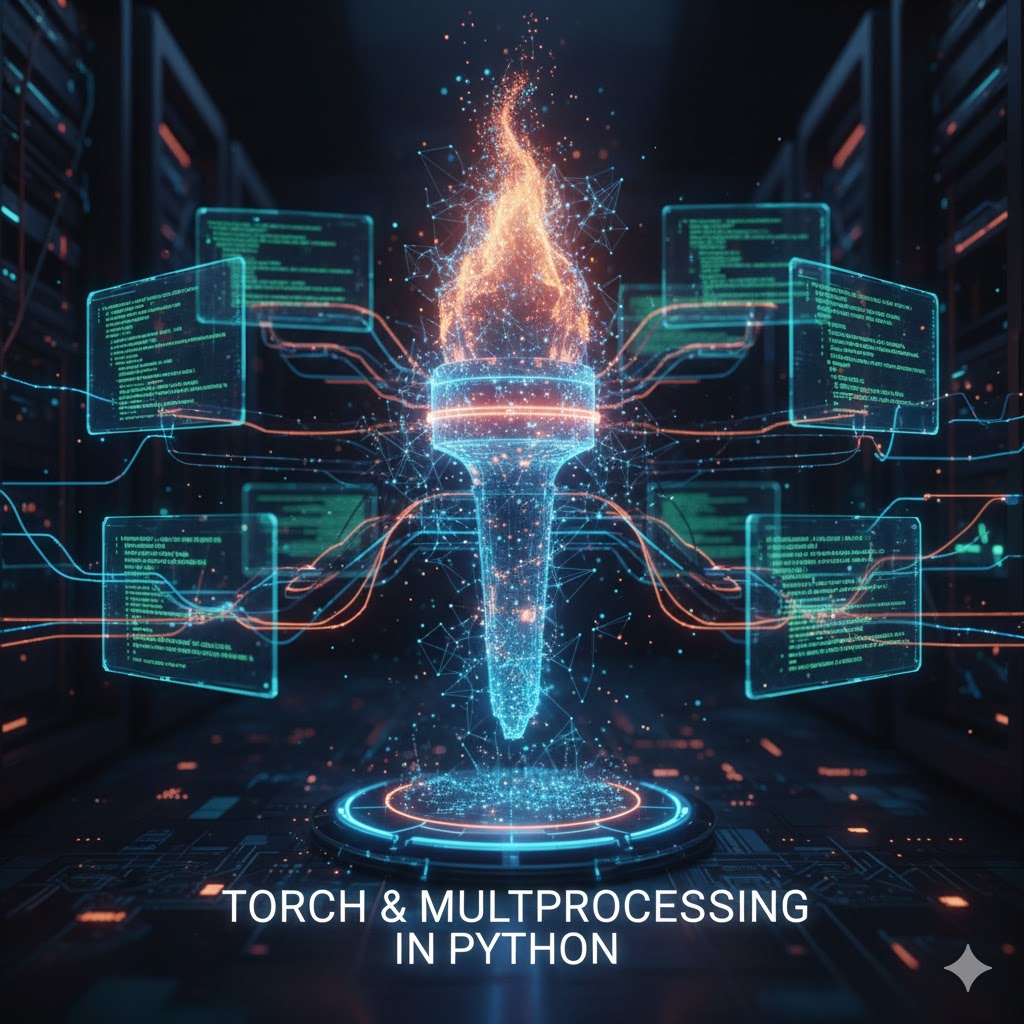
Multiprocessing and Torch in Python
I build high-performance Python applications using multiprocessing, asyncio, and parallel computing patterns to handle computationally intensive AI workloads and data processing pipelines.
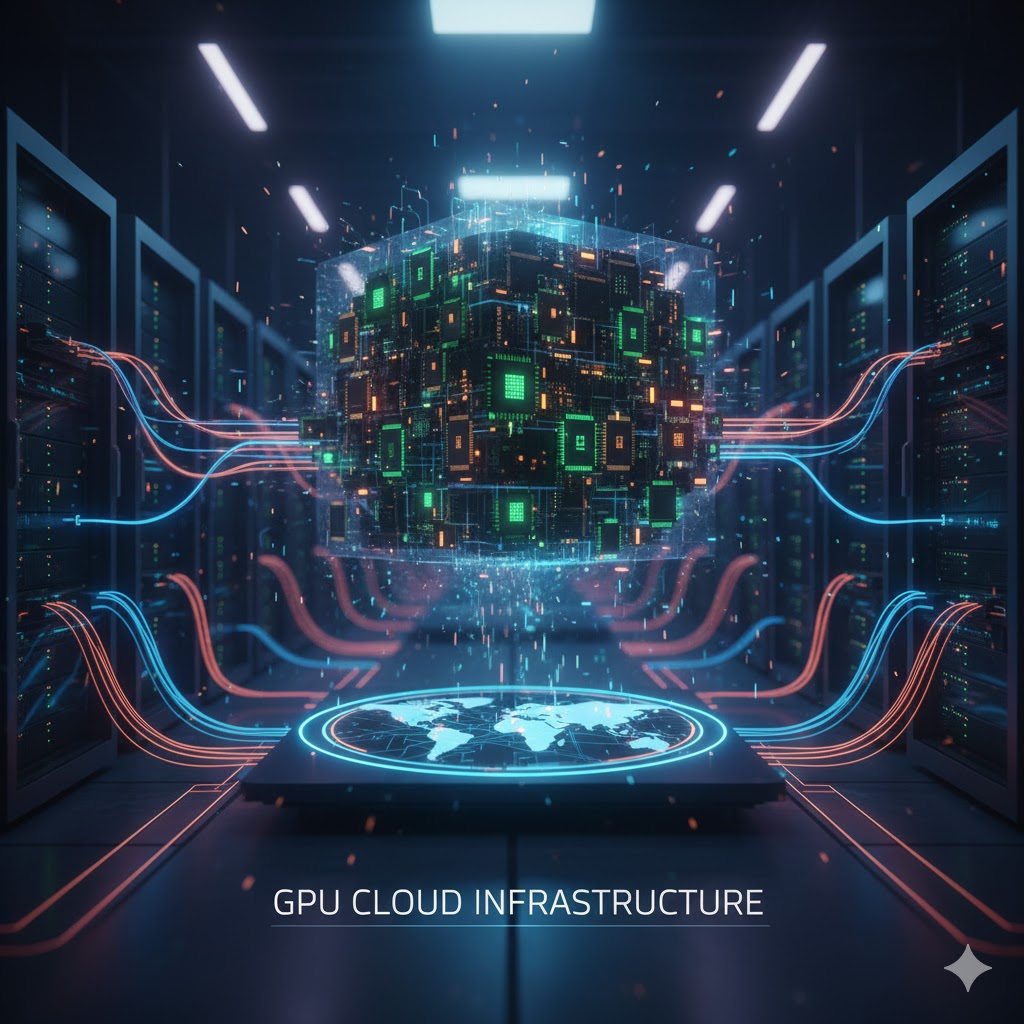
GPU Cloud Infrastructure
I architect and manage GPU cloud infrastructure for training and deploying AI models at scale. This includes optimizing resource utilization, managing distributed training, and deploying inference endpoints.
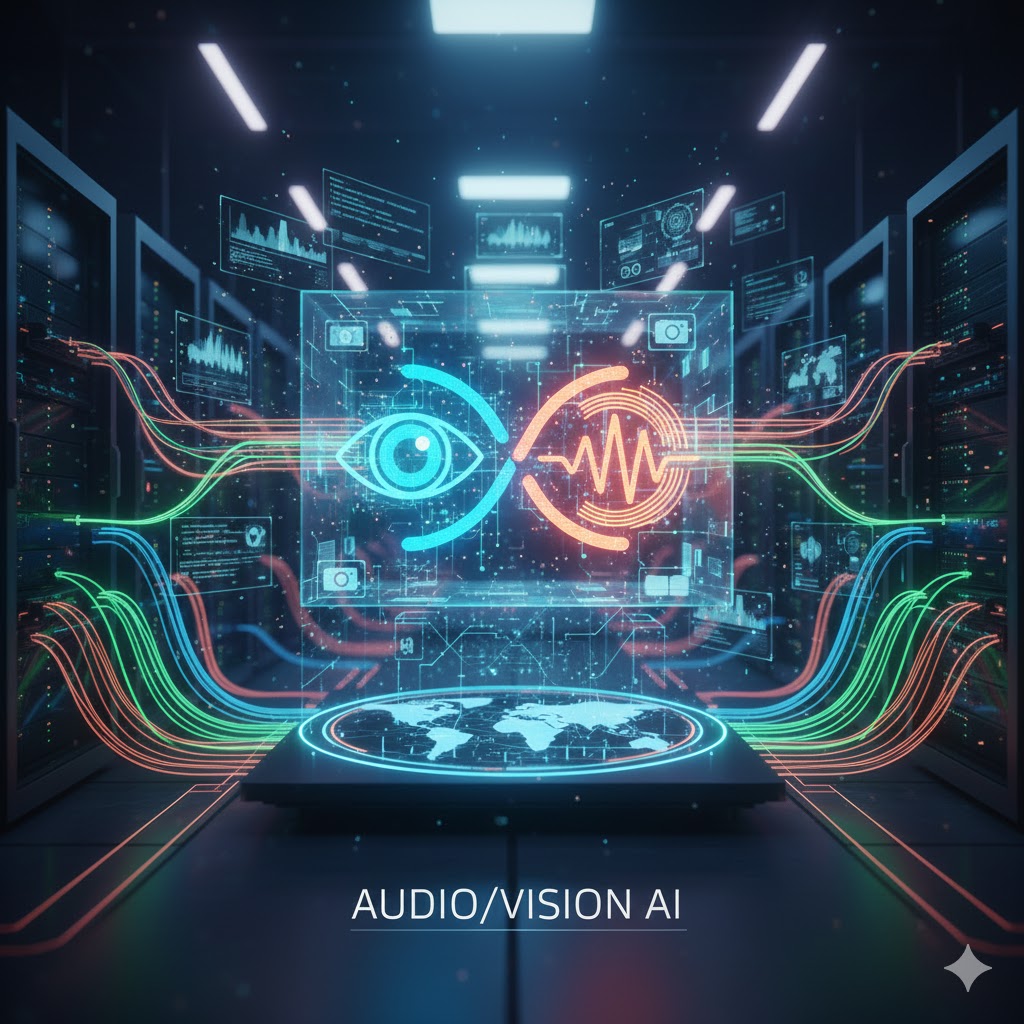
Audio/Vision AI
I've been teaching myself machine vision for a few years now. I've been using it to build a lot of different things: from a self driving car simulation to a way to prevent my dog from ruining my bushes. I love the power of machine vision and I'm always looking for new ways to use it.
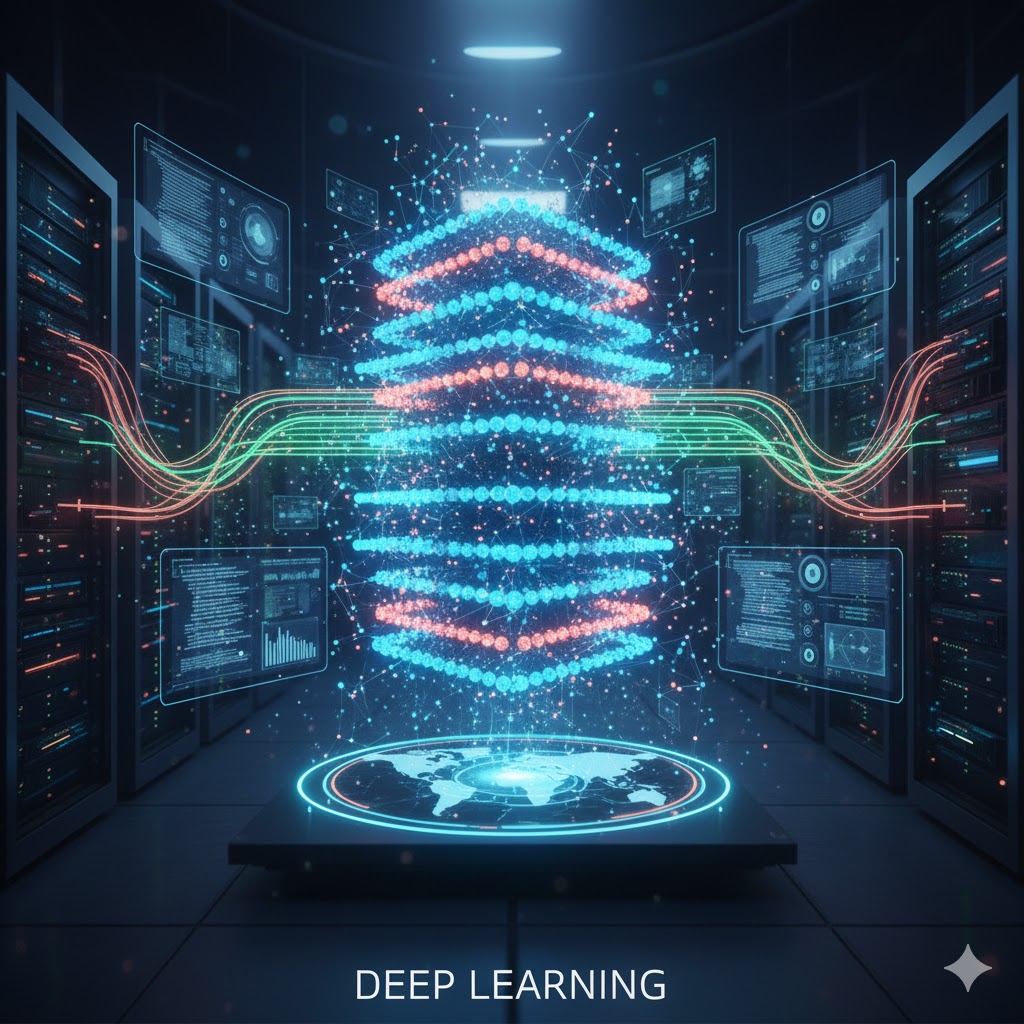
Deep Learning
Deep learning, and most specifically, object detection and image classification, is something I've been using to solve real world problems with automation and robotics.
Generative AI
I' using Generative AI as a force multiplier for my own creativity. I'm using it to generate unique content for my sites, and help write code for me. It speeds me up tremendously and is a good companion if I just need a rubber ducky with whom to discuss ideas.
Other tools
With over two decades of software engineering experience, I've used a lot of different tools. I've used a lot of different languages, frameworks, and libraries. I've used a lot of different IDEs and editors. I've used a lot of different operating systems. I've used a lot of different databases. I could go on and on. I've used a lot of different tools, and I'm always looking for new ones. Some of my more storied experiences include: C, C++, Java, Python, PHP, Perl, Bash, NodeJS, React, Vue, Angular, MySQL, PostgreSQL, MongoDB, Redis, Memcached, Docker, Kubernetes, AWS, GCP, Azure, and more. I'm a big fan of the mantra: use the right tool for the job.

Development tools
Claude Code
Claude Code is my primary AI-powered development tool. It helps me write, debug, and refactor code with remarkable accuracy. It understands context deeply and accelerates my development workflow significantly.
Arch Linux
I run Arch Linux as my primary operating system. I love the rolling release model, the AUR, and having complete control over my system. It's lightweight, highly customizable, and keeps me close to the latest software.
AWS
I've been using AWS since 2012 for hosting, databases, applications, and now heavily for machine learning and GPU infrastructure. It's my go-to cloud platform for building scalable AI systems.
NeoVim
NeoVim is my editor of choice. With a highly customized Lua configuration, it gives me speed and efficiency that GUI editors can't match. The modal editing paradigm keeps my hands on the keyboard where they belong.


Design
Claude Code
Beyond coding, I use Claude Code to help with design thinking—brainstorming UI/UX ideas, writing CSS, and iterating on visual concepts quickly.
Canva
Canva is a simple tool for creating graphics. I use it for creating thumbnails for my YouTube videos and graphics for my blog posts.
Figma
Figma is my go-to for UI design and prototyping. Its collaborative features and component system make it essential for designing interfaces and working with design teams.
Productivity
JIRA
JIRA is the backbone of project management for enterprise teams. I use it extensively for sprint planning, backlog management, and tracking work across complex AI research and engineering projects.
Linear
Linear is my preferred issue tracker for fast-moving teams. Its keyboard-first design and clean interface make it incredibly efficient for day-to-day task management and keeping engineering work organized.
Workstation
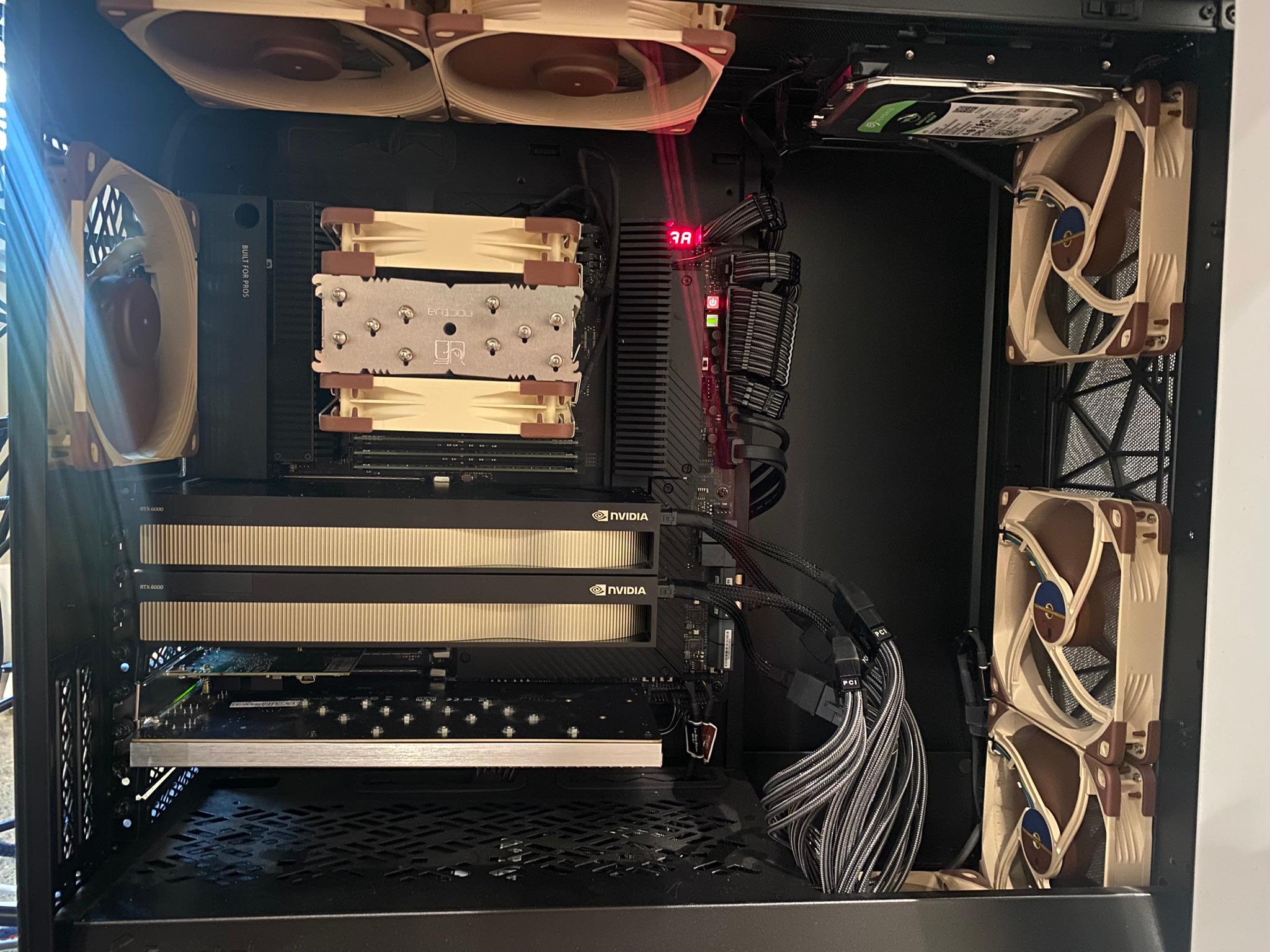
AMD Threadripper Pro 3975WX, RTX 6000 Pro + RTX 6000 Ada, 256 GB RAM
I custom built my own workstation because I'm a nerd and I like to tinker. I've been teaching myself deep learning and I needed something that could handle the training workloads. It also helps for encoding videos for my YouTube channel. It's a beast and something I look forward to every day.
Dual 24" ASUS ProArt Monitors
Two color-accurate ASUS ProArt displays give me the screen real estate I need while maintaining excellent color accuracy for design work and video editing.
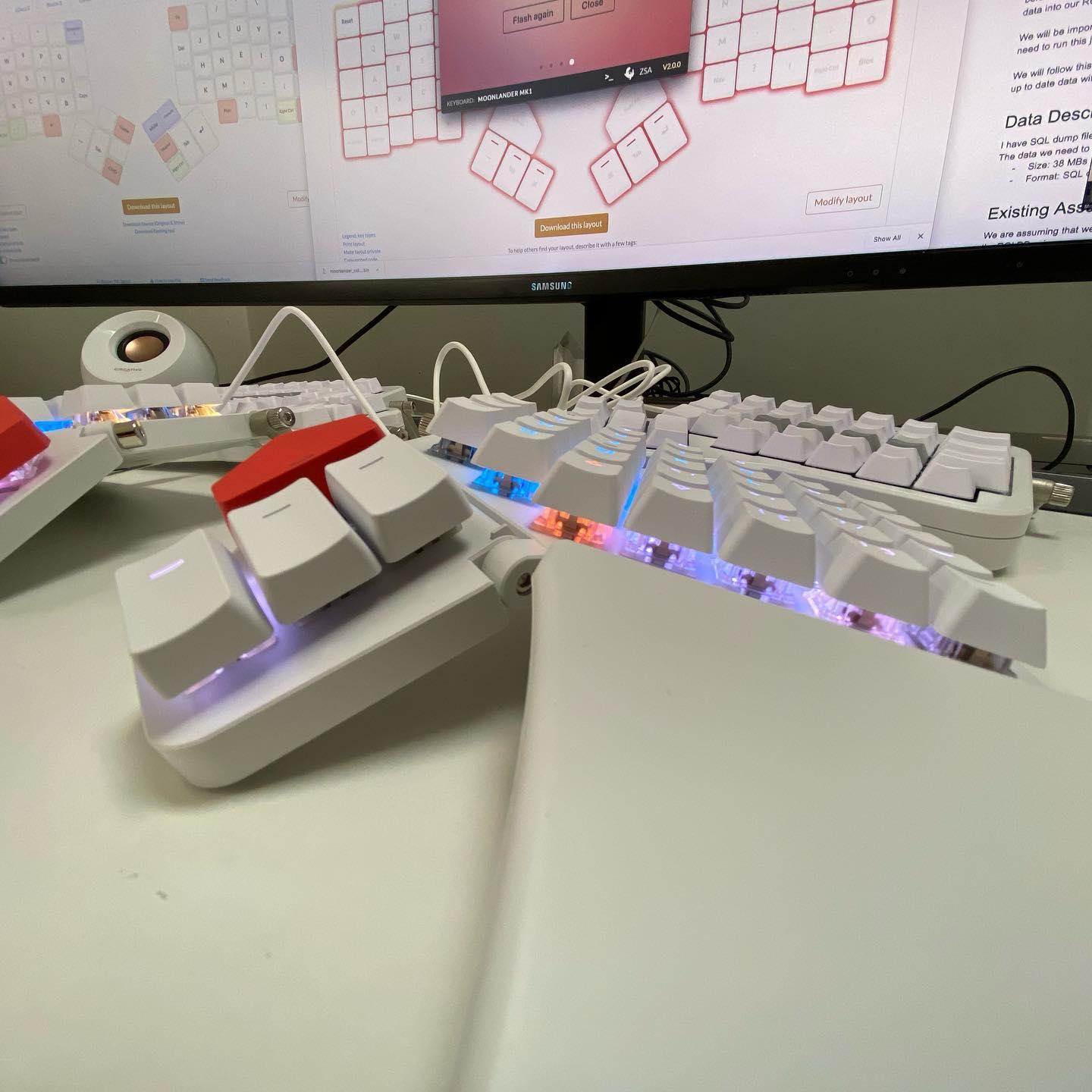
ZSA Moonlander
I love this keyboard. It's ergonomic and I can program it to do whatever I want. I've been using it for a few years now and I'm still learning new things about it. I converted my layout over to Colemak when I adopted this split ortholinear keyboard. I'm not sure I could go back to a regular keyboard.
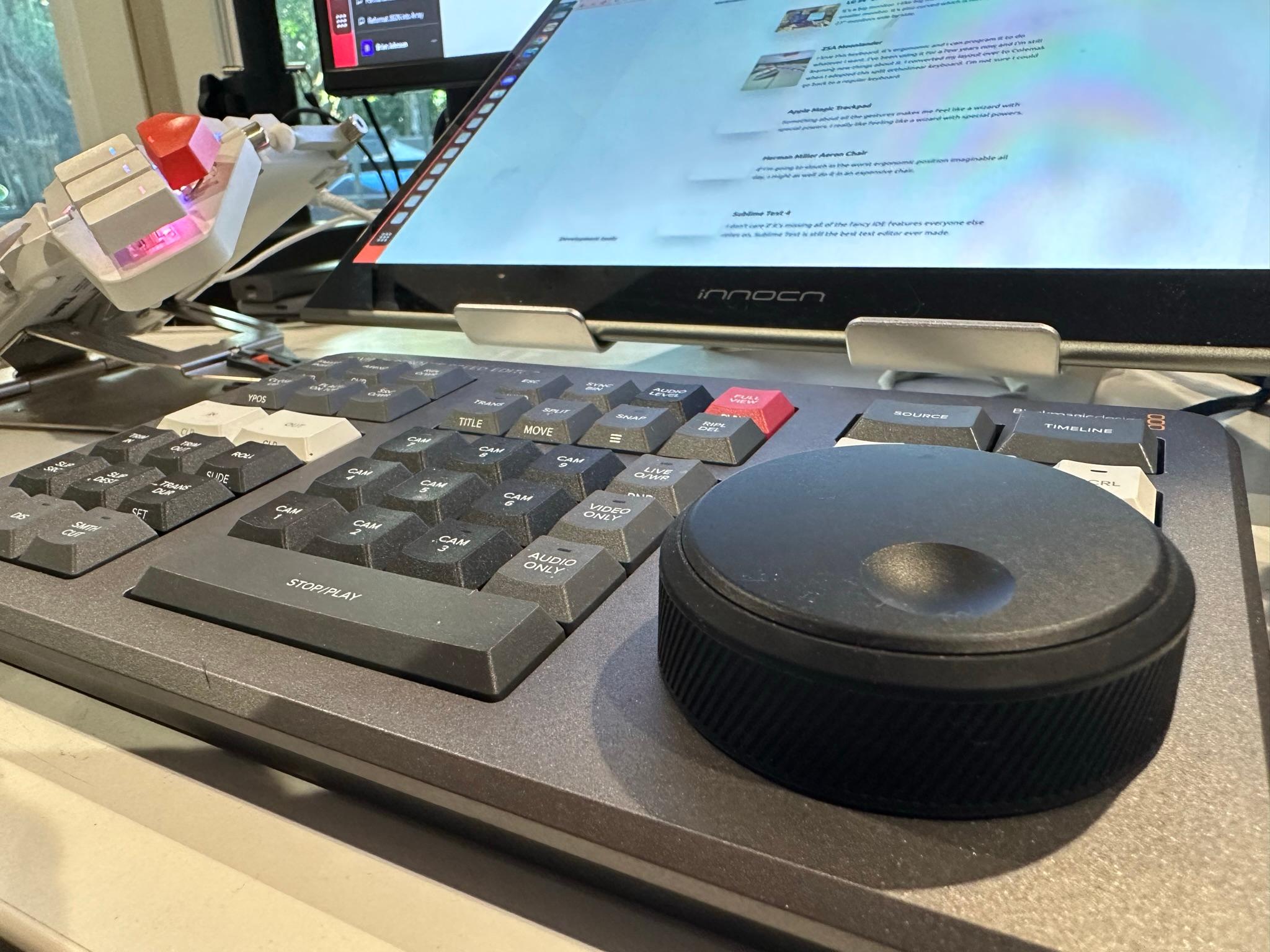
Davinci Resolve Speed Editor
I've been using Davinci Resolve for video editing for a few years now. I've been using the Speed Editor for a few months now and it's been a game changer. I'm able to edit videos much faster than I was before. I'm still learning all of the shortcuts but I'm getting there.
DSLR Camera
I use a DSLR mounted between my monitors for video calls and recording. The quality difference over a webcam is significant, especially for professional video content.
Secretlab Magnus Pro
The Secretlab Magnus Pro is my standing desk. Its integrated cable management system keeps everything clean and organized, and the sit-stand functionality helps me stay healthy during long coding sessions.